Obtain the source code
Contents
Obtain the source code#
Step 1: Connect to the server#
As we did in the Configure SSH connection section Step 3.
Step 2: Download the source code#
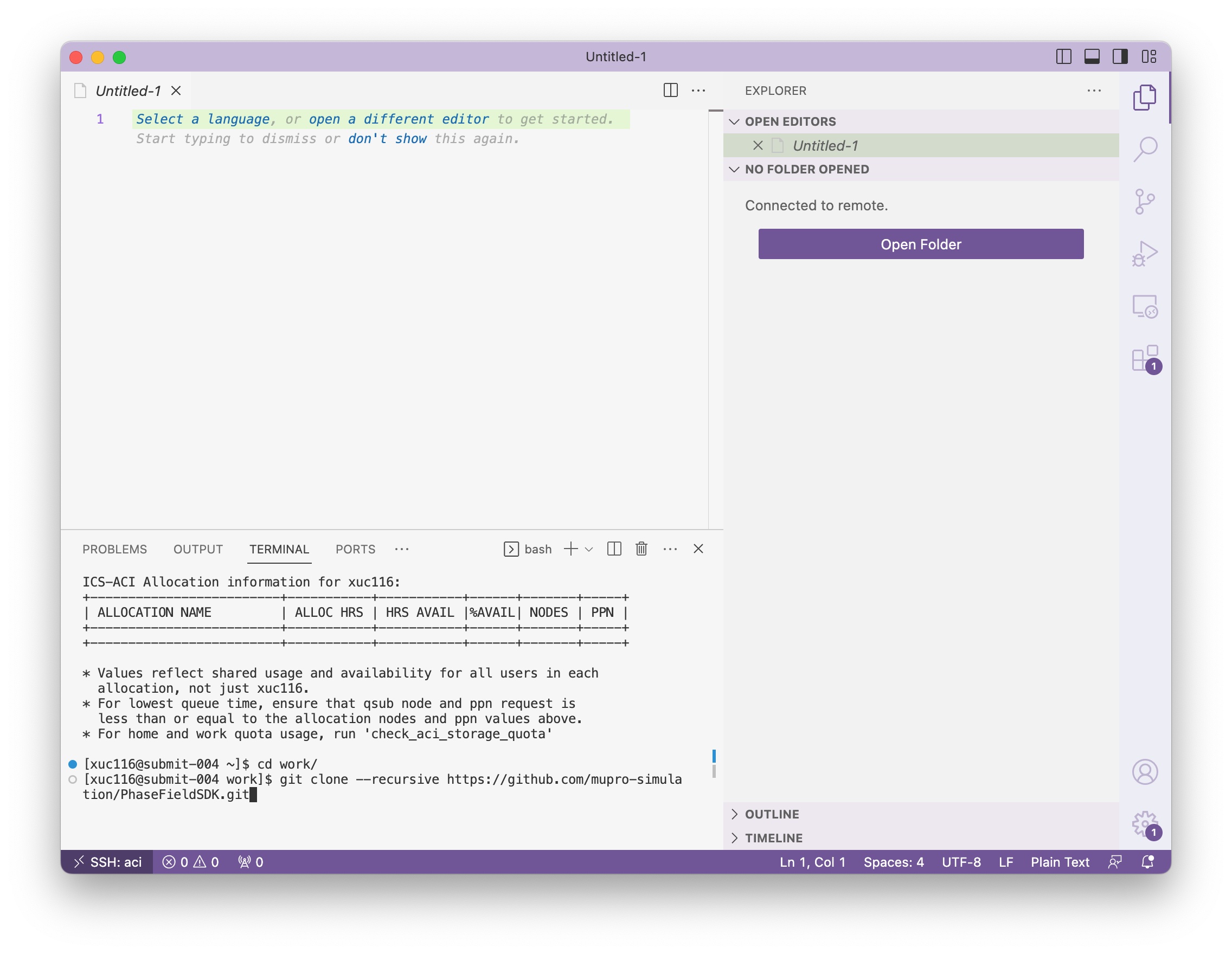
You should use git to clone the repository. Remember to clone the source code to a permanent storage instead of temporary disk.
cd work
git clone --recursive [email protected]:mupro-simulation/PhaseFieldSDK.git
git clone --recursive [email protected]:mupro-simulation/PhaseFieldSDK.git
Step 3: Check the source code#
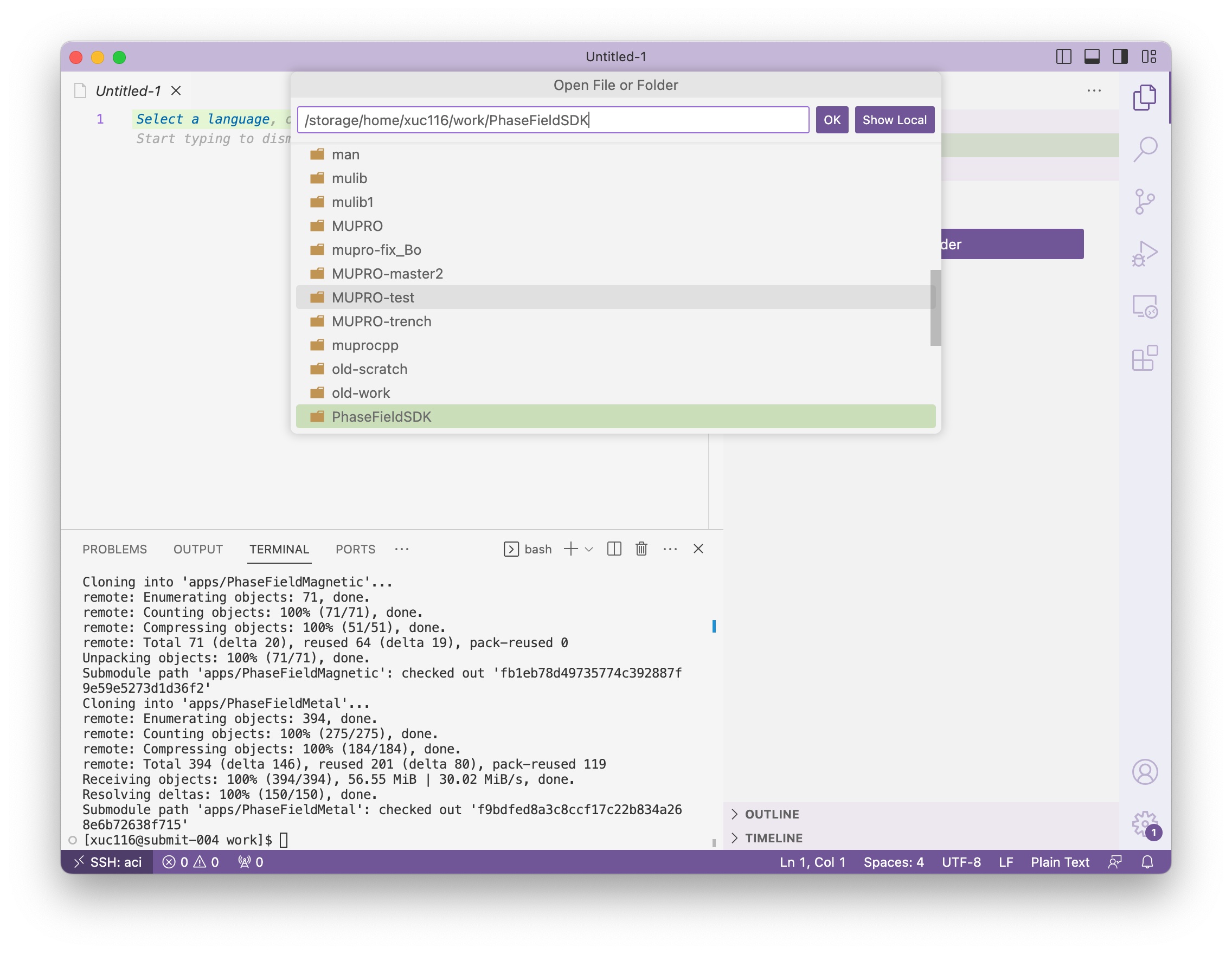
Now click the Open Folder button in the side panel, and you will be prompted with an input box. Type and navigate to the PhaseFieldSDK directory you just cloned and click ok.
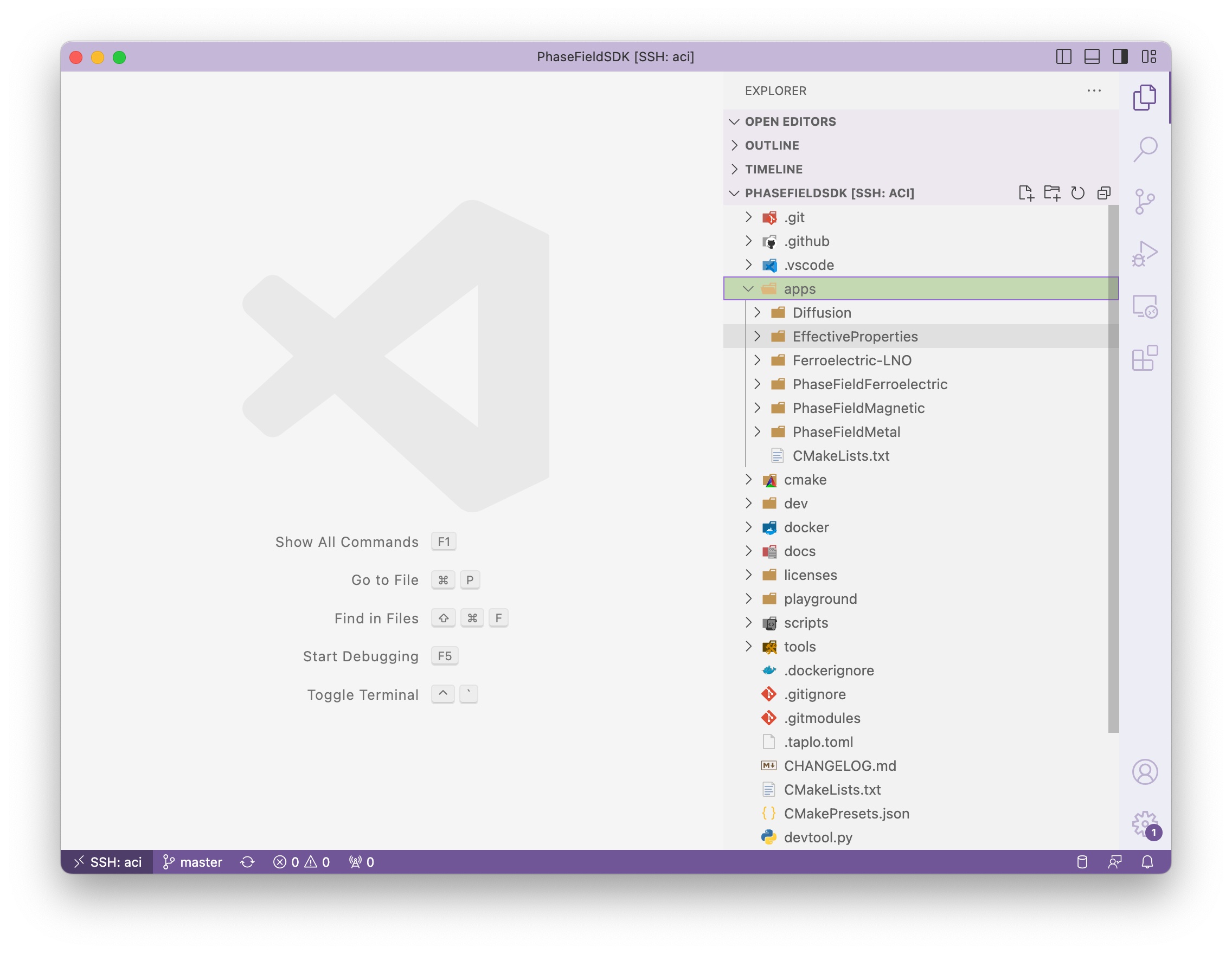
Please check the subdirectories under apps folder and see if they are populated. If not, then the submodule is not cloned properly, you may use this command to load the submodules in an already cloned repository git submodule update --init --recursive. If you don’t see the terminal panel, you can use the shortcut ctrl+`, or click View/Terminal in the menu.
Step 4: Future visit of the source code#
Since you have opened the PhaseFieldSDK folder once in vscode, future access to the same folder will become a lot easier.
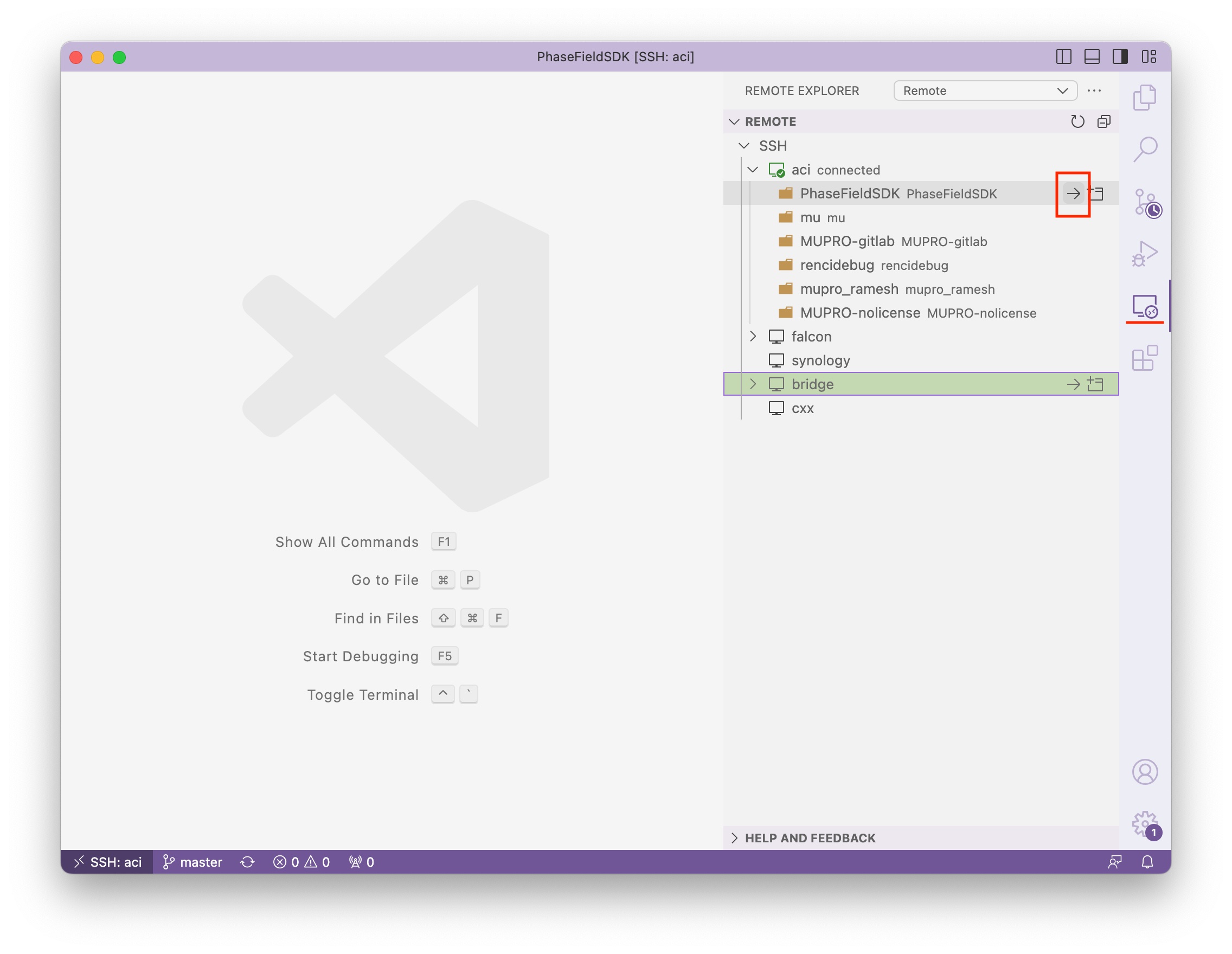
Click the Remote Explorer plugin on the vertical toolbar, then click the right arrow icon to the right of PhaseFieldSDK folder under the aci host, and you should be directed to the PhaseFieldSDK folder automatically.
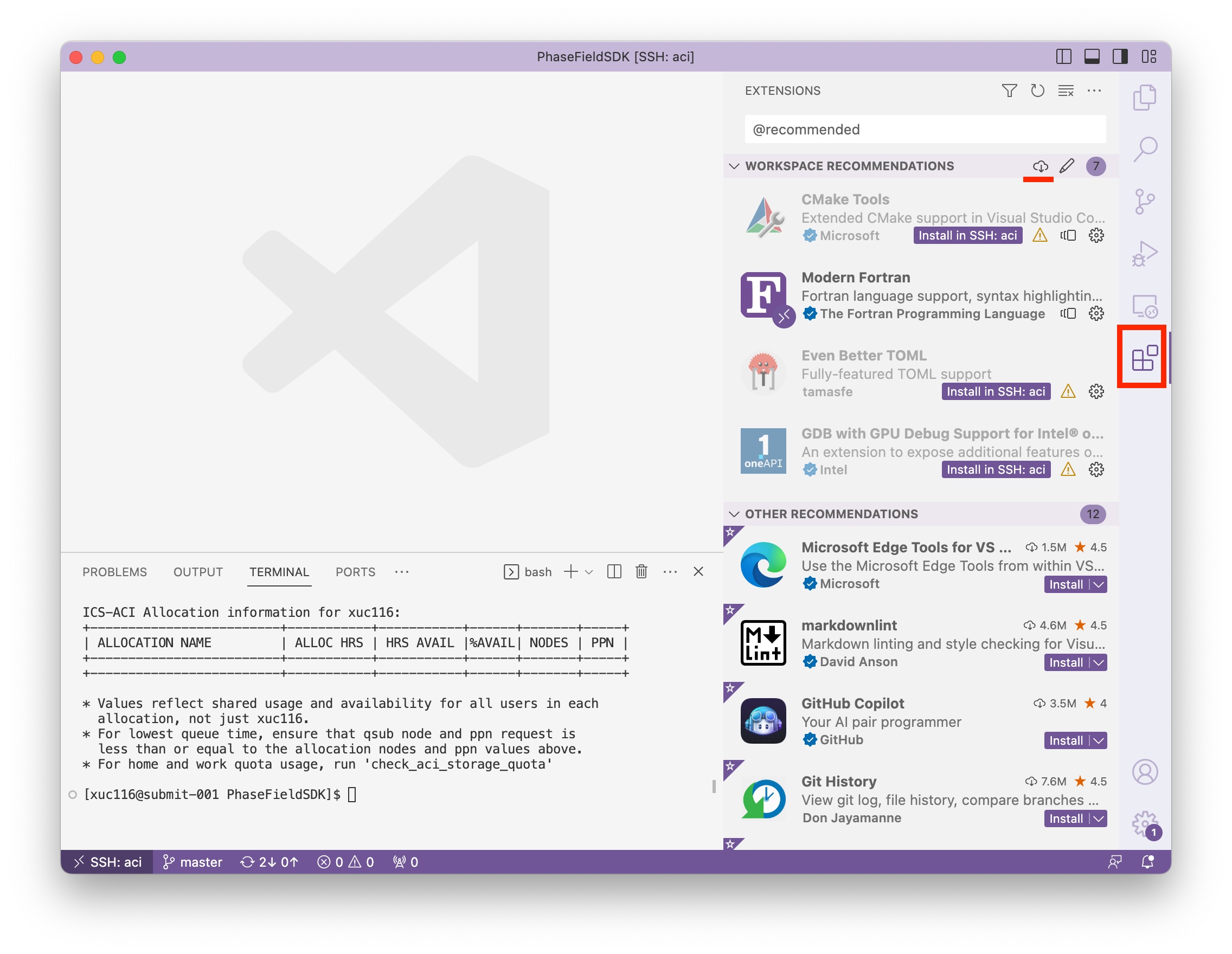
Step 5: Install extensions#
Click the extension icon in the vertical toolbar
Type
@recommendedand hit enter in the input boxClick Install Workspace Recommended Extensions button next to the newly appeared section
WORKSPACE RECOMMENDATIONS.Then click
Install (Do not sync)in the pop-up window. You can also chooseInstalldepending on whether you want the extensions been synced across other computer that you installed vscode.
Step 6: Install extension used tools#
You need to first get python and pip, then install the binaries using pip, and lastly add the installed directory to your PATH variable.
module load python
python -m pip install --user fortls
python -m pip install --user cmake_format
echo 'export PATH="$PATH:$HOME/.local/bin"' >> ~/.bashrc
source ~/.bashrc